
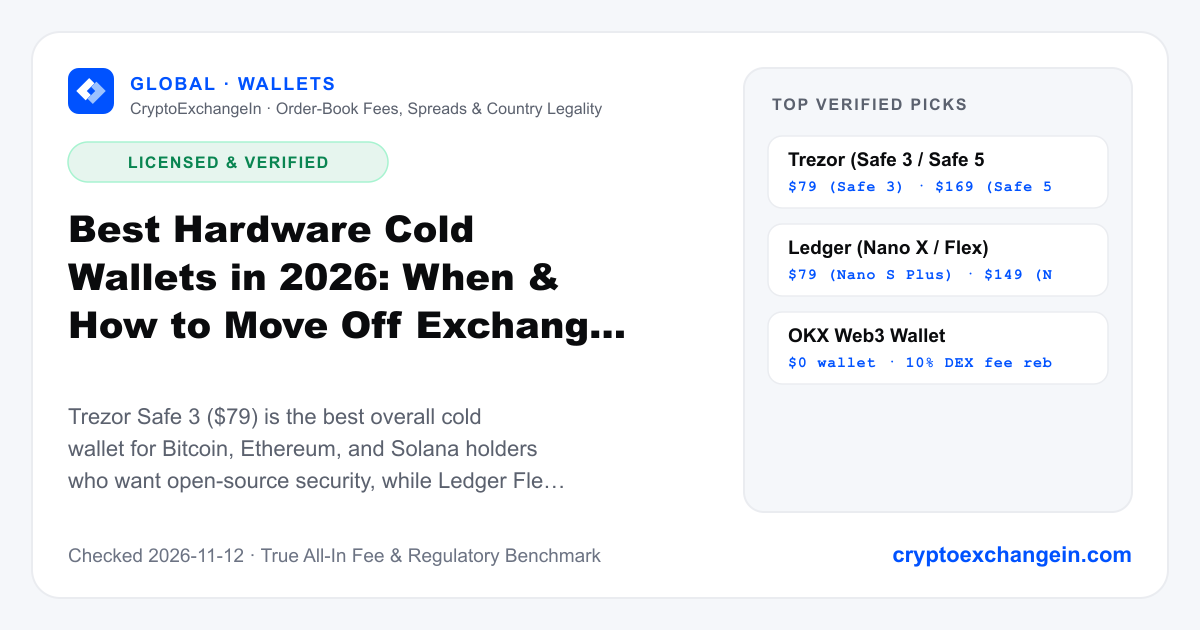
Best Hardware Cold Wallets in 2026: When & How to Move Off Exchanges
Trezor Safe 3 ($79) is the best overall cold wallet for Bitcoin, Ethereum, and Solana holders who want open-source security, while Ledger Flex ($249) and Nano X ($149) are best for mobile iOS users and multi-chain altcoin portfolios.
Hardware wallets protect you from every crypto hack.
A hardware wallet stops remote malware from stealing your private keys, but it cannot save you if you blindly sign a malicious smart-contract approval or type your 24-word seed phrase into a phishing site. Pairing your hardware wallet with Rabby or OKX Web3 Wallet gives you both offline keys and human-readable transaction simulation.
4-Step Cost & Safety Execution Path
Verified 2026-11-12Use a 2-Wallet Rule: keep 85%–95% of your crypto on an untouched cold wallet (Trezor or Ledger) that never interacts with random airdrop or DeFi contracts, and keep 5%–15% in a daily hot wallet (OKX Web3 Wallet or Rabby).
Verify the device's cryptographic authenticity check in Trezor Suite or Ledger Live before generating your seed phrase.
EAL6+ Secure Element chip, 100% open-source code, optional Bitcoin-only
Never store a photo of your seed phrase in iCloud, Google Photos, Telegr
Side-by-Side Fee, Security & Feature Matrix
| Model | Price | Screen Type | Secure Element | Connectivity | Best For |
|---|---|---|---|---|---|
| Trezor Safe 3 | $79 | 0.96" Monochromatic OLED + 2 Buttons | EAL6+ OPTIGA Trust M | USB-C | Best value open-source cold storage |
| Trezor Safe 5 | $169 | 1.54" Color Gorilla Glass Touchscreen | EAL6+ OPTIGA Trust M | USB-C + MicroSD | Active desktop self-custody & Shamir backup |
| Ledger Nano X | $149 | OLED + 2 Buttons | CC EAL5+ ST33 | USB-C + Bluetooth | iPhone mobile signing + 5,500+ coins |
| Ledger Flex | $249 | 2.84" E-Ink Secure Touchscreen | CC EAL6+ | USB-C + Bluetooth + NFC | Clear-signing readable smart contracts |
Pre-Signup & Pre-Trade Checklist
- ✓Use a 2-Wallet Rule: keep 85%–95% of your crypto on an untouched cold wallet (Trezor or Ledger) that never interacts with random airdrop or DeFi contracts, and keep 5%–15% in a daily hot wallet (OKX Web3 Wallet or Rabby).
- ✓Verify the device's cryptographic authenticity check in Trezor Suite or Ledger Live before generating your seed phrase.
- ✓Send a small $10 test withdrawal to your new hardware wallet address, wipe the device, and practice recovering from your written seed phrase before depositing life savings.
Hidden Spreads, Holds & Tax Gotchas
- !Never store a photo of your seed phrase in iCloud, Google Photos, Telegram Saved Messages, or password managers.
- !Avoid swapping inside Ledger Live or Trezor Suite's third-party partners (Changelly/MoonPay) where spreads reach 2%+ and KYC holds can occur.
Verified Recommendations & Referral Fee Rebates

$79 (Safe 3) · $169 (Safe 5)
EAL6+ Secure Element chip, 100% open-source code, optional Bitcoin-only firmware, and Shamir Backup.
Watch out: Desktop & Android USB-C only (no iOS Bluetooth).

$79 (Nano S Plus) · $149 (Nano X) · $249 (Flex)
E-Ink clear-signing screen on Ledger Flex and broadest native chain support (BTC, ETH, SOL, TRX, TON, XRP).
Watch out: Closed-source Secure Element firmware.

$0 wallet · 10% DEX fee rebate via code JNZ26 · 10% DEX swap & bridge fee discount via code JNZ26
Keep your cold wallet offline and use OKX Web3 Wallet (10% DEX fee discount via code JNZ26) for daily Solana/Base/BTC swaps.
Watch out: Only keep active trading funds in a hot wallet.
Frequently Asked Questions
At what portfolio size should I buy a $79 hardware wallet?
Once your long-term holdings exceed $1,500–$2,000, a $79 Trezor Safe 3 or Ledger Nano S Plus represents less than 4%–5% of your portfolio and eliminates both exchange insolvency risk and computer malware key-theft risk.
Does a hardware wallet charge a fee when I receive or send crypto?
No. Trezor and Ledger charge $0 for receiving or sending crypto; you only pay the standard blockchain network gas fee to miners/validators.
Related Comparisons & Country Guides
Best Crypto Exchanges for Beginners (2026): How to Avoid the 3% 'Simple Mode' Trap
Beginners in the US, UK, Canada, and Australia should start with Kraken (using the Kraken Pro toggle) or Coinbase (using the Advanced toggle) for effortless local bank deposits. Beginners in India, Europe, UAE, and Emerging Markets get 4x–6x lower fees on Binance, Bitget, or OKX.
LicensedBest Crypto Wallets for Beginners in 2026 (Hot & Cold Self-Custody Ranked)
For a free software ('hot') wallet across Bitcoin, Solana, Ethereum, Base, Arbitrum, and TRON, use OKX Web3 Wallet (code JNZ26). If you only use Ethereum and EVM L2s on desktop, use open-source Rabby Wallet. Once your savings pass $2,000–$5,000, pair your software wallet with a $79 Trezor Safe 3 or $149 Ledger Nano X hardware cold wallet.
LicensedBinance vs Coinbase (2026): Fees, Spreads & Country Availability Compared
Binance (0.10% spot fee, or 0.075% with BNB) is 4x to 8x cheaper than Coinbase Advanced (0.40% maker / 0.60% taker) for anyone outside the US and Canada. However, Coinbase is the mandatory legal choice if you live in the United States (especially New York) or Canada, where Binance.com is blocked.
LicensedBitget vs Binance (2026): Spot Fees, Perpetual Futures & Proof of Reserves
Binance wins on sheer BTC/ETH order-book depth, slightly lower token-discounted spot fees (0.075% with BNB vs 0.08% with BGB), and slightly lower futures taker fees (0.05% vs 0.06%). Bitget wins on automated copy trading, a higher reserve ratio (>175% Proof of Reserves + $400M+ Protection Fund), and smoother onboarding in several emerging markets.
Licensed